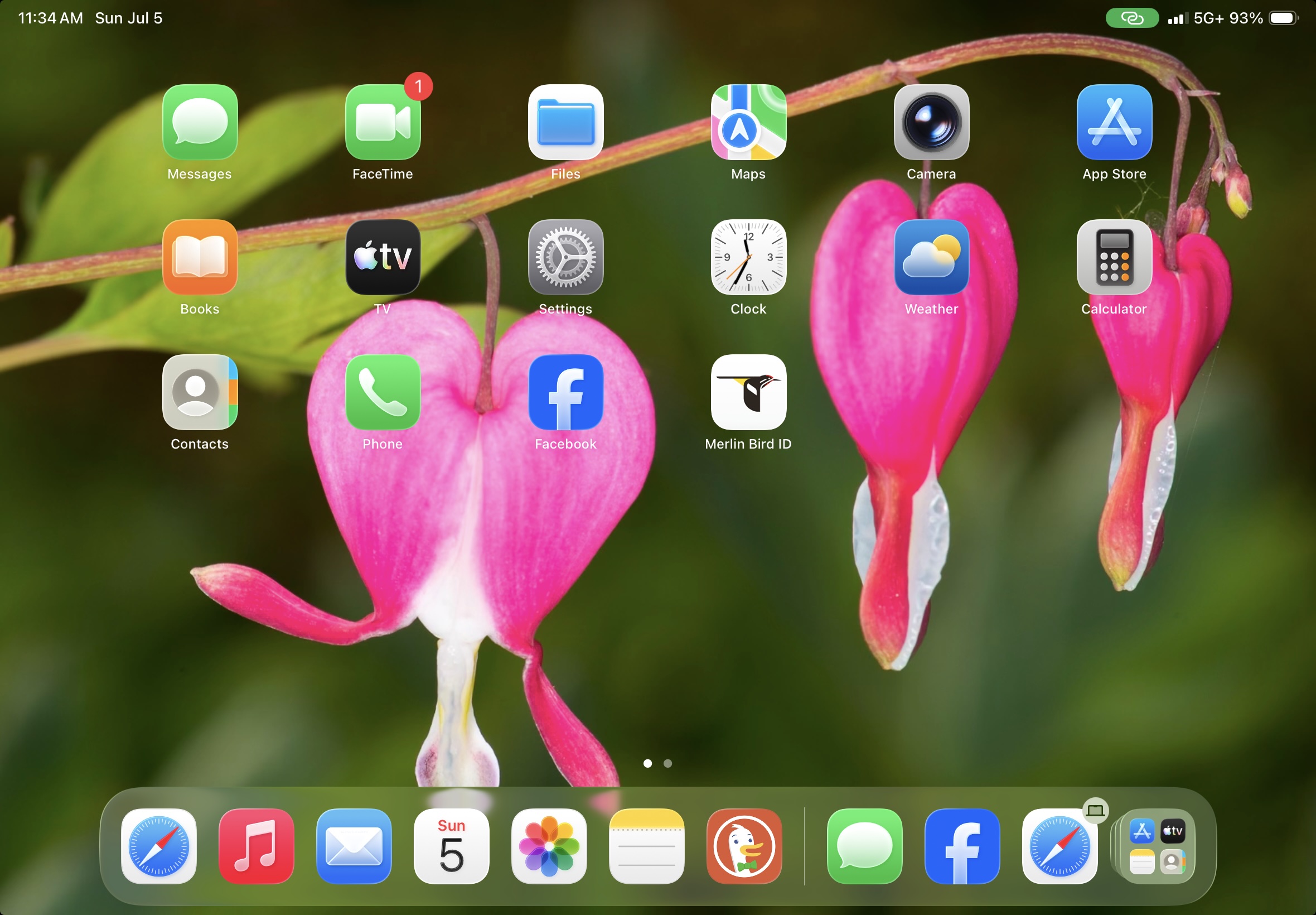
I certainly did not plan on a 3-hour Genius Bar session, at a huge high-end mall in San Antonio, of all places. But, my iPad stopped connecting to 5G networks, leaving me with just LTE connectivity. Remember back in the day when we thought LTE was fast?! Since I use my iPad’s unlimited data plan to connect my laptop to wifi via my iPad hotspot, relying on just LTE was just not going to cut it. John, being the tech-savvy guy that he is, attempted to reset things on my iPad, to no avail. We were still in McAllen when this all began, so we popped into an AT&T store there where the nice technician could not find anything wrong on their end, at least from his initial cursory glance. He suggested that we go to an Apple Store, the closest being in San Antonio, which just happened to be exactly on our route to Guadalupe River State Park. We made an appointment at the Genius Bar for the next day, at 12:35 PM–the first available for the day.
The mall in San Antonio was quite the trip–it’s been a while since I’ve been to one, particularly a high-end mall. It was crowded with shoppers, and as per usual, the Apple Store was packed. We treated ourselves to a mall lunch, since we arrived early, but then ended up waiting for 30 minutes as the Apple staff were running behind. The young fellow who picked up my appointment was delightful — in the few times I have had to deal with Apple technicians I have always been so impressed with their depth of knowledge as well as their seemingly infinite patience.
His initial diagnostics did not find anything specific to warrant concern about the iPad itself; he gently convinced me that the next best step was to “erase” everything on my iPad, upload that data to the cloud via his laptop ethernet connection, then reinstall the operating system. Because I am not tech savvy and because I do not like changes on my Apple devices, I was leery, but hey, he said that was all he had left to try. When the operating system was reinstalled — this was all in the first 60+ minutes of my appointment — guess what? My iPad would only connect to LTE! Sigh.
So, this WAS an AT&T problem after all. This fine technician gave me an insider phone number to AT&T support to see what could be determined. Oy Vey. I have had a couple of interactions with AT&T over the years, often fraught with frustration, so I was a not looking forward to this at all. I ended up going with a “chat” communication, as there would have been a long wait to talk to a human, which likely would have been another one of those frustrating experiences…
Long story short, we were in the Apple Store for a total of 3 hours. I am not kidding. The AT&T chat worked out well, albeit I had to do everything with them on my iPhone, since my iPad was not hooked up to any cellular, only the store wifi connection. My older eyes and less-than-nimble fingers typically keep me from doing any business or typing on my phone, but I was able to voice text all of my queries and/or responses to her directions and questions. During the short time that the Apple tech had taken my iPad offline, the “phone number” associated with it was given to another customer! That delayed us moving forward until the AT&T chat person assigned me a new number, which she used to reactivate my iPad. After ~ 15 minutes of waiting, I was able to respond to their activation security instructions and viola! My iPad was back on 5G network.
I expressed gratitude for the chat person at AT&T, Patricia. I completed an Apple survey to commend Aaron for his knowledge and patience. This experience, a certain first-world issue, set us back in terms of our plans but an Apple a Day made it right. AT&T never did figure out what went wrong in the first place, but I certainly hope this is the last I’ll be thinking about LTE versus 5G!
PS. All of the apps I had loaded on my iPad have to be reinstalled! All passwords have to be reentered! That is the kind of change on devices that is crazy-making for me!